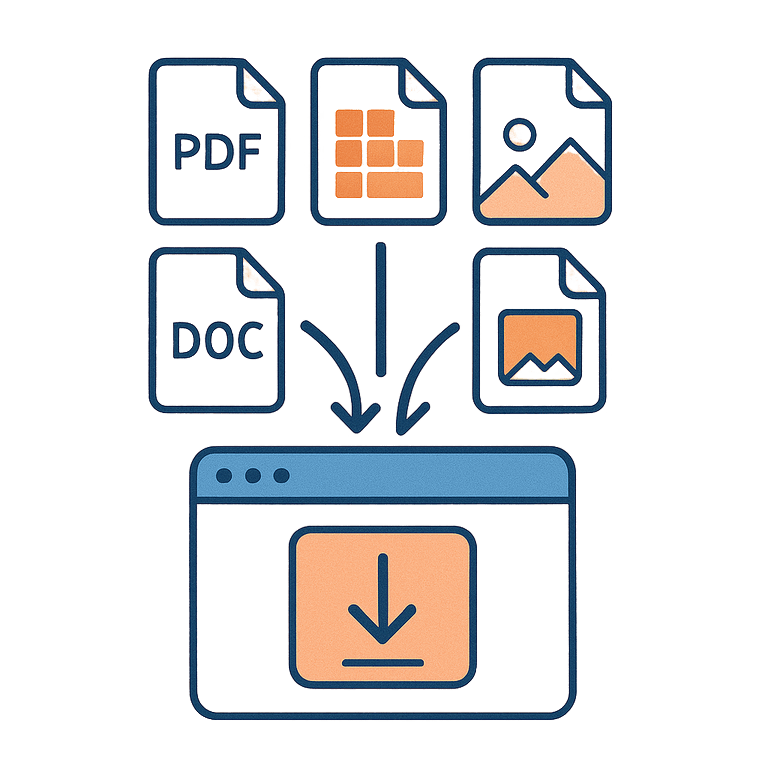
Instructions on how to transfer information from any file to the site
Upload your old resume, and we will automatically transfer the data to the new profile.
 MaximMarine
Filling out resumes from scratch is tedious and time-consuming. Especially if you already have a ready resume in Word or PDF that you used to send before.
We built a tool that “reads” your file and automatically organizes everything: experience, documents, certificates. You just upload the file, and the system does the rough work for you.
📥 Which file will work
We understand almost everything:
- PDF (the most reliable option)
- Word (DOC, DOCX)
- Excel (XLS, XLSX) — if you have an older Excel file
- Images (JPG, PNG) — even if it’s a scan, we’ll try to recognize the text, but it’s easier with text files.
The main thing is that the file is readable. If it’s a photo of a crumpled page taken in the dark, there’s no magic.
🚀 How to do this
- Go to your profile, the Resume section.
- Click the button “Upload file for autofill”.
- Choose your file.
- Wait a few seconds.
- Be sure to check the result!
❗ Important Note
Artificial intelligence is smart, but not omnipotent. It may mix up the issue date with the end date, or record “Motorman” as the surname if the file is formatted non-standardly.
So don’t trust it blindly. Review the fields after the import. It’s still faster than typing everything manually.
Import Resume