Guide to Preparing Work Documents
A detailed guide to preparing scans and copies of documents for finding work in the maritime industry.
 MaximMarine
Page content
How to Prepare Documents
Good scans are not a crewing whim, but a necessity. If a recruiter cannot decipher the issue date on a certificate or the passport number, they will simply set the application aside and move on to the next one. The site accepts files up to 10 MB.
Here is how to do it right:
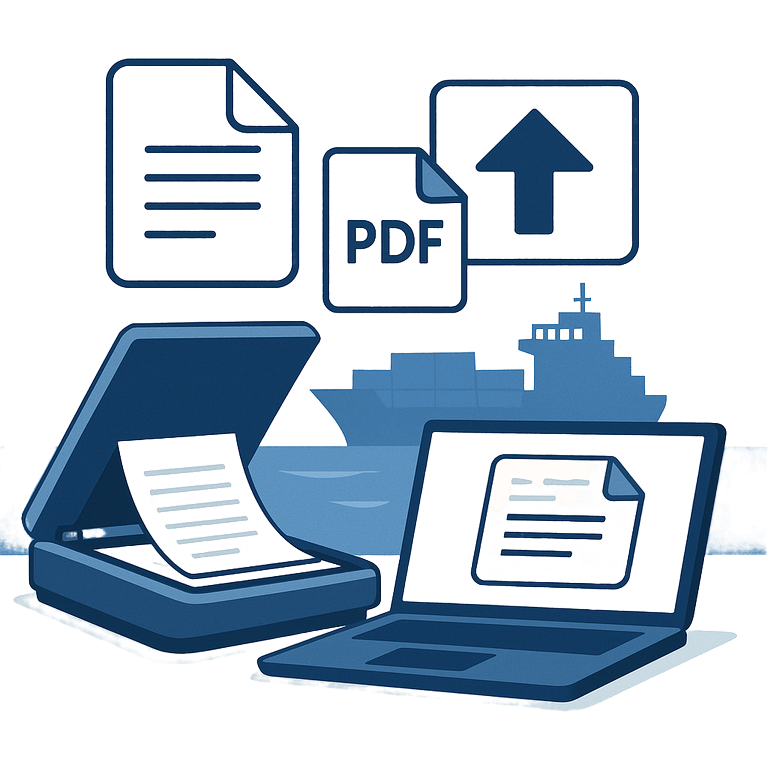
Save everything in PDF. Do not scatter documents as 50 pictures. Group them by: “Passports”, “Diplomas”, “Certificates”, “Medical certificates”. One file — one category. This makes them easier to view and forward to the shipowner.
Watch the size. 10 MB is a lot, but if you scan at maximum quality you may not fit. For documents, a resolution of 150-200 dpi is enough. If the file turns out huge — compress it using any online service (google “compress PDF”).
English language. If a document is bilingual (for example, a national diploma), make sure the English version is clearly visible. Shipowners rarely read in your native language.
Photo quality. If you don’t have a scanner and you photograph with a phone:
- Place the document on a flat surface.
- Shoot in good light, so there are no shadows from hands or the phone.
- Crop out extra background (table, carpet, feet). Only the document should remain.
📤 Upload
When the files are ready, go to the Documents section. Check the names: “Passport.pdf” looks better than “IMG_20240501_123456.jpg”.
❌ Common Mistakes
- Blurry photos. If the text can’t be read easily — redo them.
- Trimmed edges. Numbers, serials and dates must be fully visible.
- Unnecessary pages. Do not scan empty passport pages or covers if there are no important marks.
High-quality documents show that you are a responsible person. It’s a small detail, but it’s from small details that reputation is built.